Stock where the work happens
Create a location for every warehouse, van, truck, and site. Switch context once — see what that crew can actually use today.
Join waitlistWarehouses, vans, and job sites share one live count. See what's on the truck before the next call.

Create a location for every warehouse, van, truck, and site. Switch context once — see what that crew can actually use today.
Join waitlistMove materials between locations with approvals and history. When Friday reconciliation hits, everyone sees the same story.
Join waitlist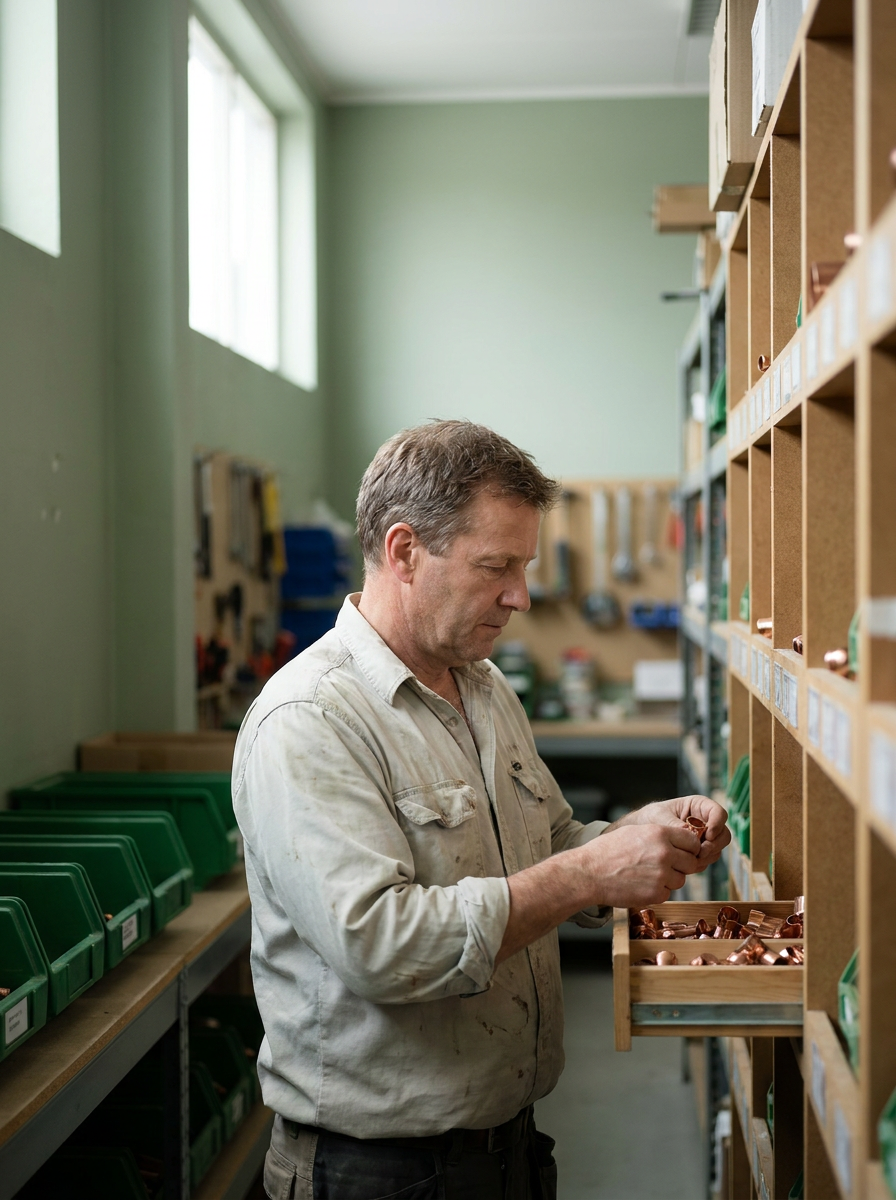
Start lean on Free. Add suppliers, tags, SKUs, and CSV import/export when the operation grows — without rebuilding your system.
Join waitlistPull catalog lines into estimates and invoices. Adjust stock from iPhone. Office and crew stay on the same numbers.
Join waitlist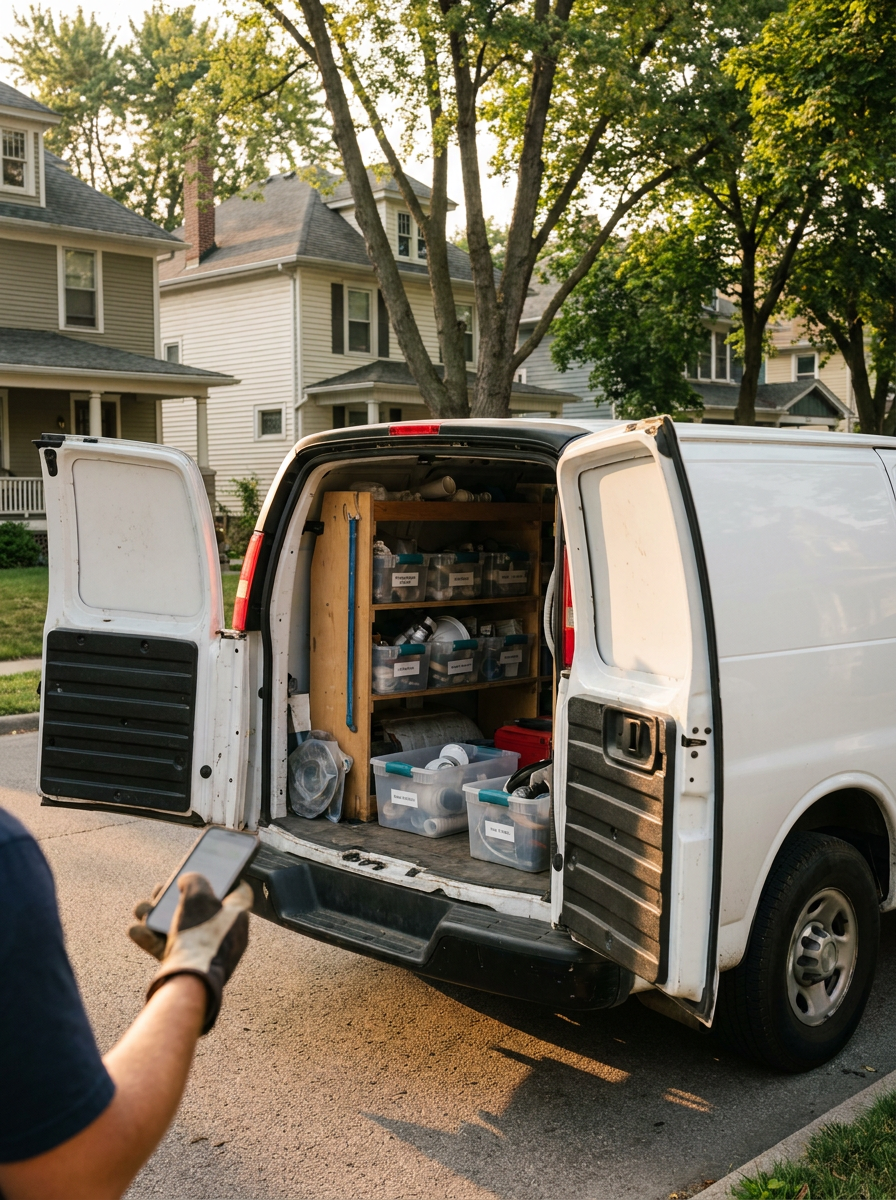
1
Add a location for every warehouse, van, and job site
2
Import the catalog your crew already uses
3
Move materials and keep the ledger
A single store-wide number hides shortages in the van and leftovers on site. Antsfield tracks on-hand quantity where the work happens — then keeps a ledger when materials move.
Warehouse, van, and job site stay on separate numbers.
Transfers need an approval before stock leaves the shelf.
See what's running low before the next job starts.
Bill from the same catalog you stock